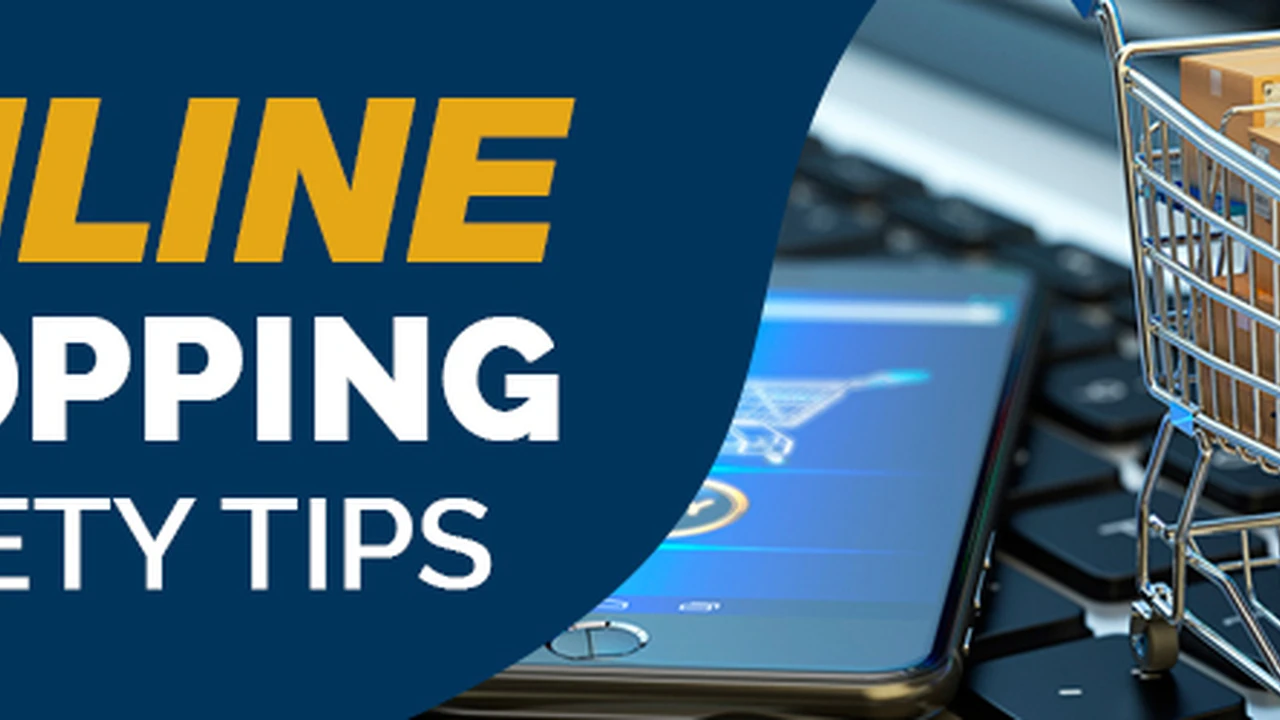
Best Practices for Online Shopping Safety
Discover key tips and strategies to ensure a safe and secure online shopping experience across different platforms.
Discover key tips and strategies to ensure a safe and secure online shopping experience across different platforms. In today's digital age, online shopping has become an indispensable part of our lives. From daily necessities to luxury items, everything is just a click away. However, this convenience comes with its own set of risks. Cybercriminals are constantly devising new ways to exploit unsuspecting shoppers, making online shopping safety a paramount concern. This comprehensive guide will walk you through the best practices to protect yourself, your personal information, and your finances while enjoying the perks of e-commerce, whether you're in the bustling markets of Southeast Asia or the vast online landscape of the United States.
Best Practices for Online Shopping Safety
Understanding Online Shopping Risks and Threats
Before diving into safety measures, it's crucial to understand the common threats lurking in the online shopping world. Being aware of these risks is the first step towards protecting yourself.
Phishing Scams and Fake Websites
Phishing is a prevalent tactic where scammers impersonate legitimate businesses to trick you into revealing sensitive information. They often create fake websites that look identical to popular online stores. These sites might have slightly altered URLs (e.g., 'amaz0n.com' instead of 'amazon.com') or use unsecured connections.
Data Breaches and Identity Theft
Even legitimate websites can be vulnerable to data breaches. When a company's security is compromised, your personal and financial information (like credit card numbers, addresses, and passwords) can fall into the wrong hands, leading to identity theft.
Unsecured Payment Gateways and Transactions
Not all online stores use secure payment processing. If a website doesn't encrypt your payment information, it can be intercepted by hackers during the transaction, putting your financial details at risk.
Malware and Spyware Downloads
Sometimes, clicking on suspicious links or downloading files from untrusted sources can install malware or spyware on your device. These malicious programs can steal your personal information, track your online activity, or even lock you out of your own system.
Counterfeit Products and Non-Delivery Scams
A common issue, especially in certain markets, is the sale of counterfeit goods. You might pay for a genuine product but receive a fake, or worse, pay for an item that never arrives at all.
Essential Security Measures for Safe Online Shopping
Now that we've identified the risks, let's explore the practical steps you can take to mitigate them and ensure a secure online shopping experience.
Always Use Secure and Reputable Websites
Before making any purchase, verify the website's legitimacy. Look for 'https://' at the beginning of the URL, which indicates a secure connection (the 's' stands for secure). Also, check for a padlock icon in your browser's address bar. Stick to well-known retailers and read reviews about lesser-known sites before buying.
Create Strong Unique Passwords and Enable Two Factor Authentication
Never reuse passwords across different online accounts. Create strong, complex passwords that combine uppercase and lowercase letters, numbers, and symbols. Even better, use a password manager to generate and store them securely. Whenever possible, enable two-factor authentication (2FA) for an extra layer of security. This usually involves a code sent to your phone or email in addition to your password.
Be Wary of Suspicious Emails and Phishing Attempts
Exercise extreme caution with emails that ask for personal information, offer unbelievable deals, or contain suspicious links. Phishing emails often have grammatical errors, generic greetings, or urgent calls to action. If in doubt, do not click on any links. Instead, go directly to the retailer's official website by typing the URL yourself.
Use Secure Payment Methods and Monitor Bank Statements
Opt for credit cards over debit cards for online purchases, as credit cards generally offer better fraud protection. Consider using payment services like PayPal, Apple Pay, or Google Pay, which add an extra layer of security by not sharing your direct card details with the merchant. Regularly review your bank and credit card statements for any unauthorized transactions and report them immediately.
Keep Your Devices and Software Updated
Ensure your operating system, web browser, and antivirus software are always up to date. Software updates often include critical security patches that protect against newly discovered vulnerabilities. A robust antivirus program can detect and remove malware before it causes harm.
Avoid Public Wi-Fi for Sensitive Transactions
Public Wi-Fi networks (in cafes, airports, etc.) are often unsecured and can be easily intercepted by hackers. Avoid making online purchases or accessing sensitive accounts when connected to public Wi-Fi. If you must, use a Virtual Private Network (VPN) to encrypt your internet connection.
Read Product Reviews and Seller Ratings Carefully
Before purchasing, especially from third-party sellers on marketplaces, always read product reviews and check seller ratings. Look for consistent positive feedback and be suspicious of reviews that seem too good to be true or are overly generic. Tools like Fakespot or ReviewMeta can help identify potentially fake reviews.
Comparing Popular Online Payment Solutions for Security
Choosing the right payment method is crucial for online shopping safety. Here's a comparison of some popular options and their security features:
Credit Cards vs Debit Cards for Online Purchases
Credit Cards: Generally offer superior fraud protection. Under US law (Fair Credit Billing Act), your liability for unauthorized credit card charges is limited to $50, and many card issuers offer zero-liability policies. This means you're often not responsible for any fraudulent charges. They also provide a layer of separation between your bank account and the merchant.
Debit Cards: Directly linked to your bank account. While banks offer some fraud protection, unauthorized debit card transactions can quickly drain your account, potentially causing more immediate financial distress. Recovery can also be slower compared to credit card fraud.
PayPal A Secure Intermediary for Online Transactions
PayPal acts as an intermediary, meaning your financial details are not directly shared with the merchant. It offers buyer protection programs that can help you get a refund if an item doesn't arrive or isn't as described. PayPal also uses advanced encryption and fraud detection technologies.
Apple Pay and Google Pay Mobile Wallet Security
These mobile payment systems use tokenization, where your actual card number is replaced with a unique, encrypted token for each transaction. This means your card details are never transmitted to the merchant. They also often require biometric authentication (fingerprint or face ID) for purchases, adding another strong layer of security.
Virtual Credit Cards for Enhanced Privacy
Some banks and financial services offer virtual credit card numbers. These are temporary, single-use, or limited-use card numbers linked to your actual credit card. They can be set with spending limits or expiration dates, making them ideal for online purchases from less familiar websites, as your real card number is never exposed.
Recommended Security Products and Tools for Online Shoppers
Beyond best practices, several tools and products can significantly enhance your online shopping safety. Here are a few recommendations:
Password Managers LastPass 1Password Dashlane
LastPass: A popular choice for its robust features, including password generation, secure storage, and autofill capabilities. It offers a free tier with basic features and premium plans for advanced functionalities like dark web monitoring. Typical Price: Free for basic, Premium from $3/month.
1Password: Known for its strong security and user-friendly interface. It integrates well across various devices and browsers, offering secure notes, identity storage, and travel mode. Typical Price: From $2.99/month.
Dashlane: Combines password management with a built-in VPN and dark web monitoring. It's a comprehensive security suite for online activities. Typical Price: Free for basic, Premium from $3.33/month.
Use Case: These tools are essential for creating and managing unique, strong passwords for every online account, significantly reducing the risk of account compromise if one website is breached.
Antivirus and Internet Security Suites Norton Bitdefender McAfee
Norton 360: Offers comprehensive protection including antivirus, VPN, dark web monitoring, and identity theft protection. It's a strong all-in-one solution. Typical Price: From $39.99/year.
Bitdefender Total Security: Consistently ranks high for its malware detection rates and includes features like a VPN, parental controls, and webcam protection. Typical Price: From $34.99/year.
McAfee Total Protection: Provides antivirus, firewall, password manager, and identity theft protection. It's a well-known brand with a broad range of features. Typical Price: From $29.99/year.
Use Case: These suites protect your devices from malware, phishing attempts, and other online threats that could compromise your personal and financial data during online shopping.
Virtual Private Networks VPNs ExpressVPN NordVPN Surfshark
ExpressVPN: Renowned for its speed, strong encryption, and wide server network. Excellent for securing public Wi-Fi connections. Typical Price: From $6.67/month.
NordVPN: Offers robust security features, including double VPN and Onion over VPN, along with a large server count. Good for privacy-conscious users. Typical Price: From $3.29/month.
Surfshark: Known for its affordability and unlimited simultaneous connections, making it great for families or multiple devices. Typical Price: From $2.49/month.
Use Case: A VPN encrypts your internet traffic, making it safe to shop online even on unsecured public Wi-Fi networks, protecting your data from eavesdroppers.
Browser Extensions for Security HTTPS Everywhere Privacy Badger
HTTPS Everywhere: (Free) Automatically encrypts your communication with many websites, making your browsing more secure. Typical Price: Free.
Privacy Badger: (Free) Blocks invisible trackers that follow you around the web, enhancing your privacy and potentially speeding up browsing. Typical Price: Free.
Use Case: These extensions add an extra layer of security and privacy directly to your web browser, protecting you from tracking and ensuring secure connections.
Recognizing Red Flags and Avoiding Online Shopping Scams
Even with the best tools, vigilance is key. Here are some red flags to watch out for:
Unbelievable Deals and Too Good to Be True Offers
If a deal seems too good to be true, it probably is. Scammers often lure victims with heavily discounted prices on popular items. Always compare prices across multiple reputable retailers.
Poor Website Design and Grammatical Errors
Legitimate businesses invest in professional website design and content. Fake websites often have shoddy designs, low-resolution images, and numerous grammatical or spelling errors. These are clear indicators of a scam.
Requests for Unusual Payment Methods
Be extremely suspicious if a seller asks you to pay via wire transfer, gift cards, cryptocurrency, or other non-traceable methods. Reputable online stores always use secure, standard payment gateways.
Lack of Contact Information or Poor Customer Service
A legitimate online store should have clear contact information, including a physical address, phone number, and email. If customer service is unresponsive or difficult to reach, it's a major red flag.
Pressure Tactics and Urgent Calls to Action
Scammers often try to rush you into making a purchase by creating a sense of urgency (e.g., 'limited time offer, buy now or miss out!'). Take your time, do your research, and don't succumb to pressure.
What to Do If You Fall Victim to an Online Shopping Scam
Despite all precautions, scams can happen. Knowing what to do can minimize the damage.
Immediately Contact Your Bank or Credit Card Company
If you suspect fraudulent activity, contact your bank or credit card issuer immediately to report the unauthorized charges. They can often block the transaction, issue a chargeback, and protect your account.
Change All Compromised Passwords
If you entered your password on a fake website, change it immediately on the legitimate site and any other accounts where you might have used the same password.
Report the Scam to Relevant Authorities
In the US, report online scams to the Federal Trade Commission (FTC) and the FBI's Internet Crime Complaint Center (IC3). In Southeast Asia, report to your local consumer protection agencies or cybercrime units. For example, in Singapore, you can report to the Singapore Police Force's Anti-Scam Centre; in Malaysia, to the Malaysian Communications and Multimedia Commission (MCMC).
Monitor Your Credit Report and Financial Accounts
Keep a close eye on your credit report and all financial accounts for any signs of identity theft or further fraudulent activity. Consider placing a fraud alert on your credit file.
Online Shopping Safety Tips for Specific Regions
While general safety principles apply everywhere, there are some regional nuances to consider.
Online Shopping Safety in the United States
The US has strong consumer protection laws. Familiarize yourself with the Fair Credit Billing Act and the Electronic Fund Transfer Act. Be aware of common scams like gift card scams and tech support scams. Always check if a retailer is accredited by the Better Business Bureau (BBB).
Online Shopping Safety in Southeast Asia
The e-commerce landscape in Southeast Asia is rapidly growing, but so are the risks. Cash on Delivery (COD) is popular but can be risky if the product is counterfeit. Be extra cautious with social media sellers, as they may not offer the same protections as established platforms. Verify seller legitimacy on platforms like Shopee, Lazada, and Tokopedia by checking their ratings and reviews. Be aware of local regulations regarding imports and customs duties, as these can sometimes be used in scams.
Online shopping offers unparalleled convenience, but it's essential to approach it with a security-first mindset. By understanding the risks, implementing robust security measures, utilizing recommended tools, and staying vigilant, you can enjoy a safe and secure online shopping experience, protecting your finances and personal information from cyber threats. Happy and safe shopping!
:max_bytes(150000):strip_icc()/277019-baked-pork-chops-with-cream-of-mushroom-soup-DDMFS-beauty-4x3-BG-7505-5762b731cf30447d9cbbbbbf387beafa.jpg)